The platform for forward deployed engineering teams

Manage customer-specific code: Build it, deploy it safely, and keep it running as you scale

Start free
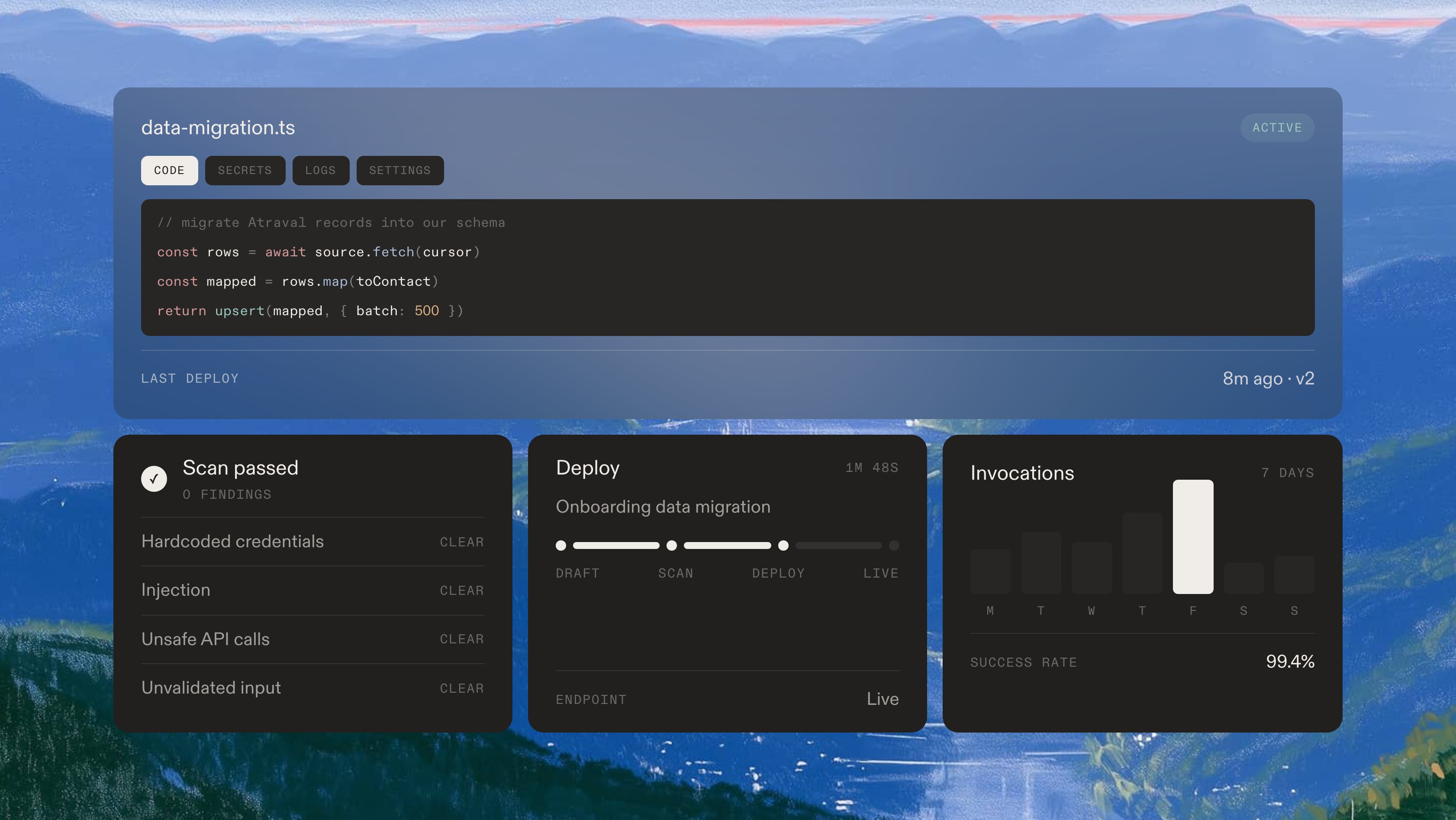
A customer data migration bridge in the editor, above its passed security scan, its deploy pipeline and seven days of invocation volume

Build serverless functions that connect your product to customer systems

Deployed in seconds, secured by default, monitored in real time

Say yes faster

Build what the customer asked for, without waiting for a roadmap slot.
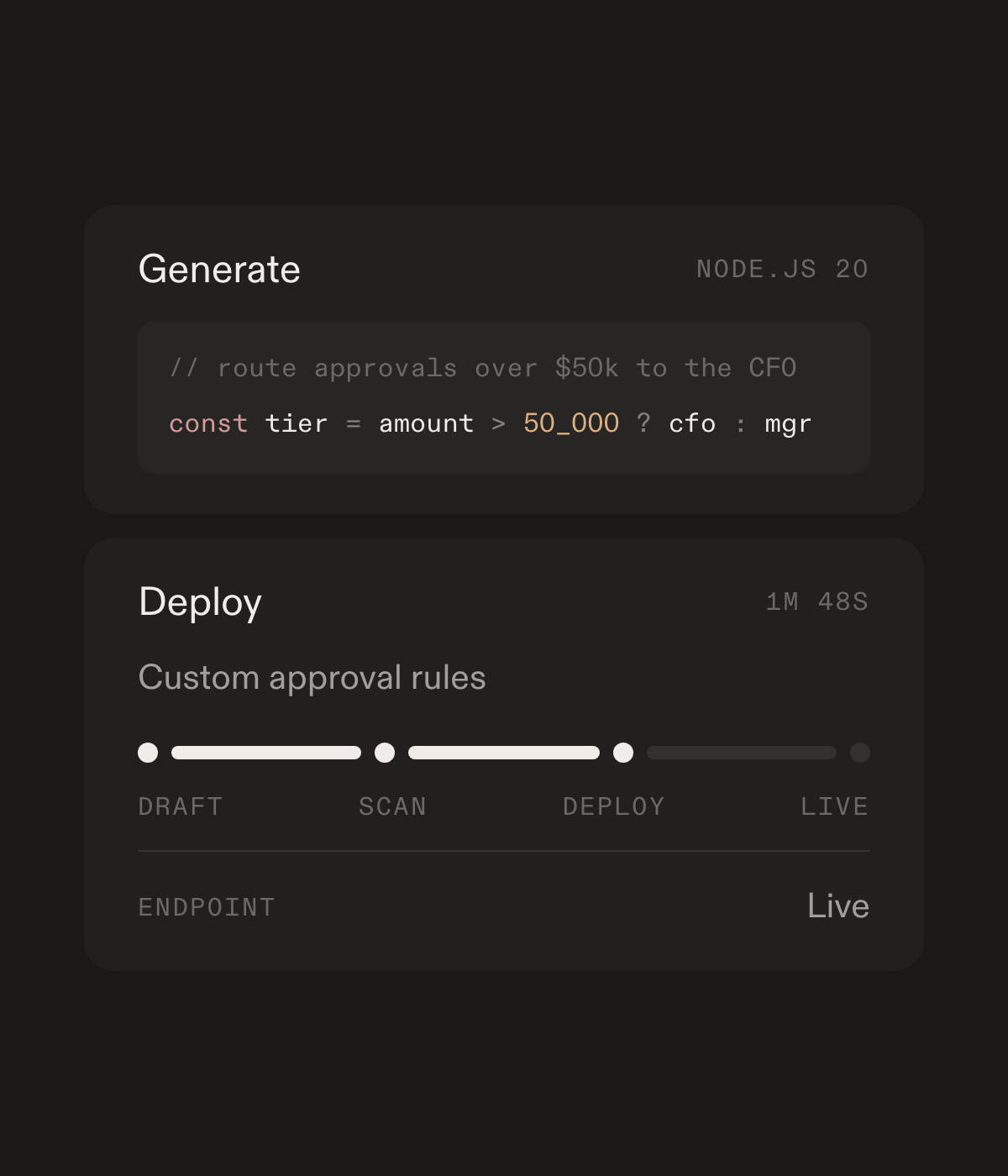
Generating a bridge from a description, then deploying it through draft, scan and live

Stop the rebuild

The next engineer inherits versions, secrets, and a named owner.
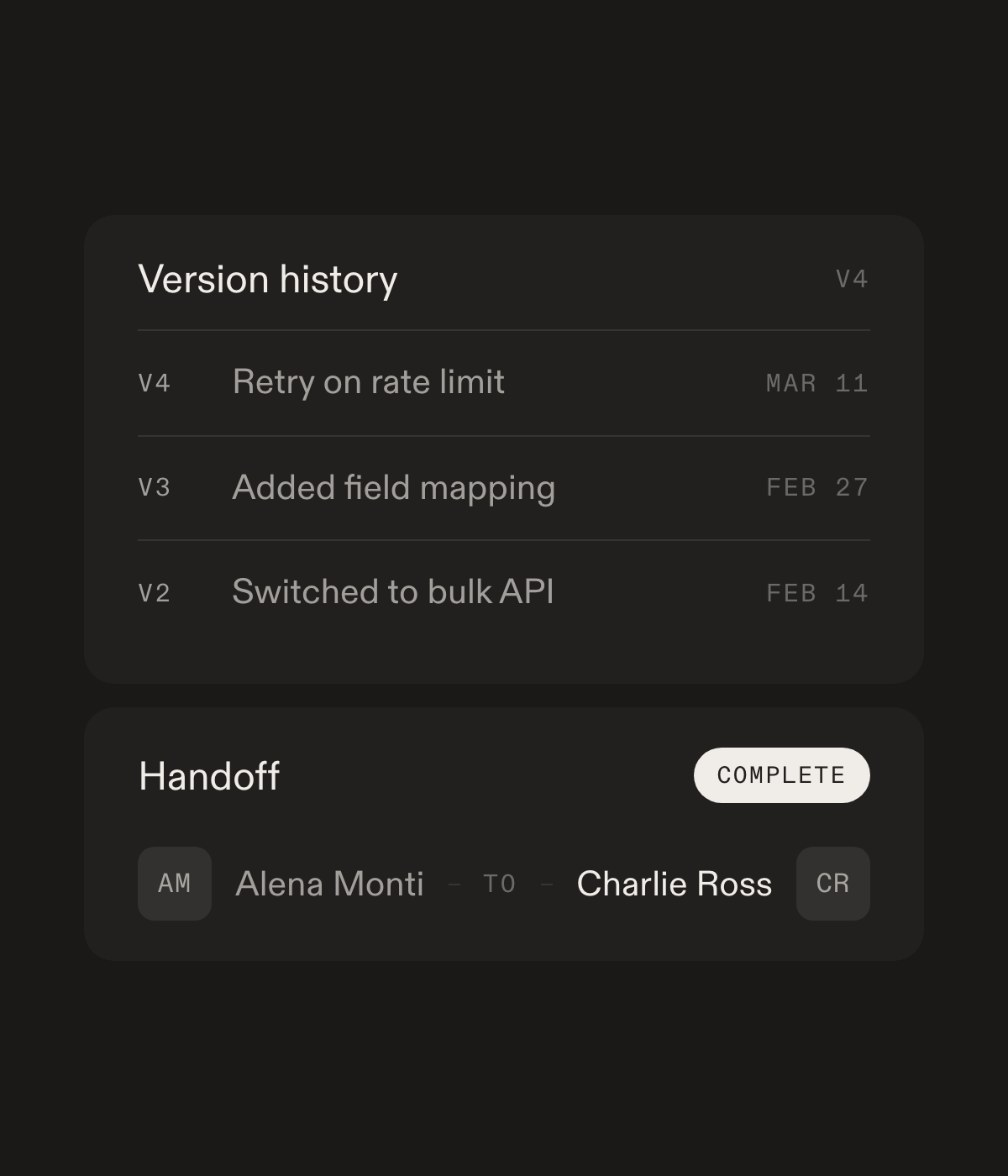
Three retained versions of a bridge above a completed handoff between two engineers

Secrets stay clean

Customers manage keys. Your team never pastes them into chat.
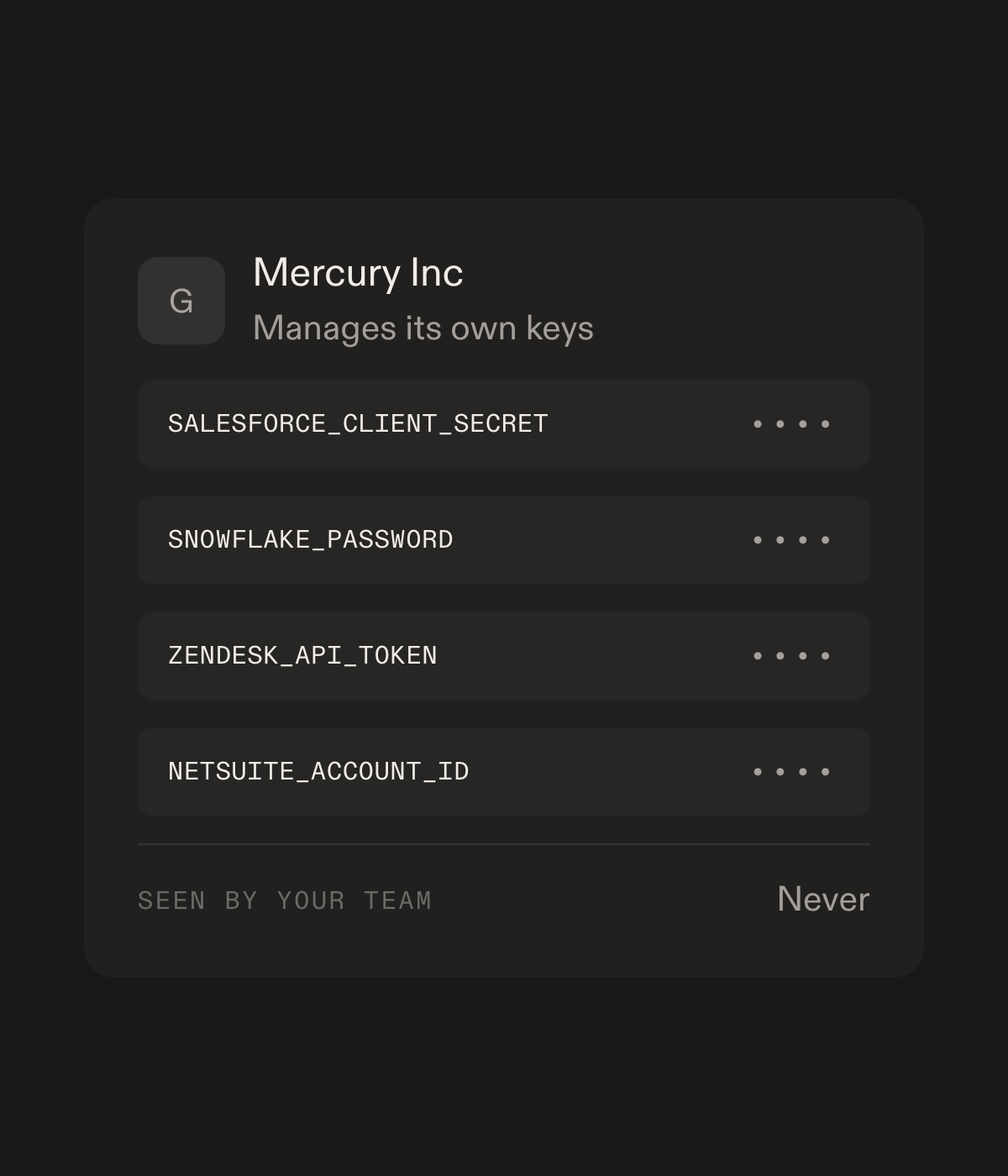
A customer managing four of its own API keys, every value masked and never seen by the vendor team

A paper trail

Detailed audit logs for all deploys, handoffs, and key rotation.
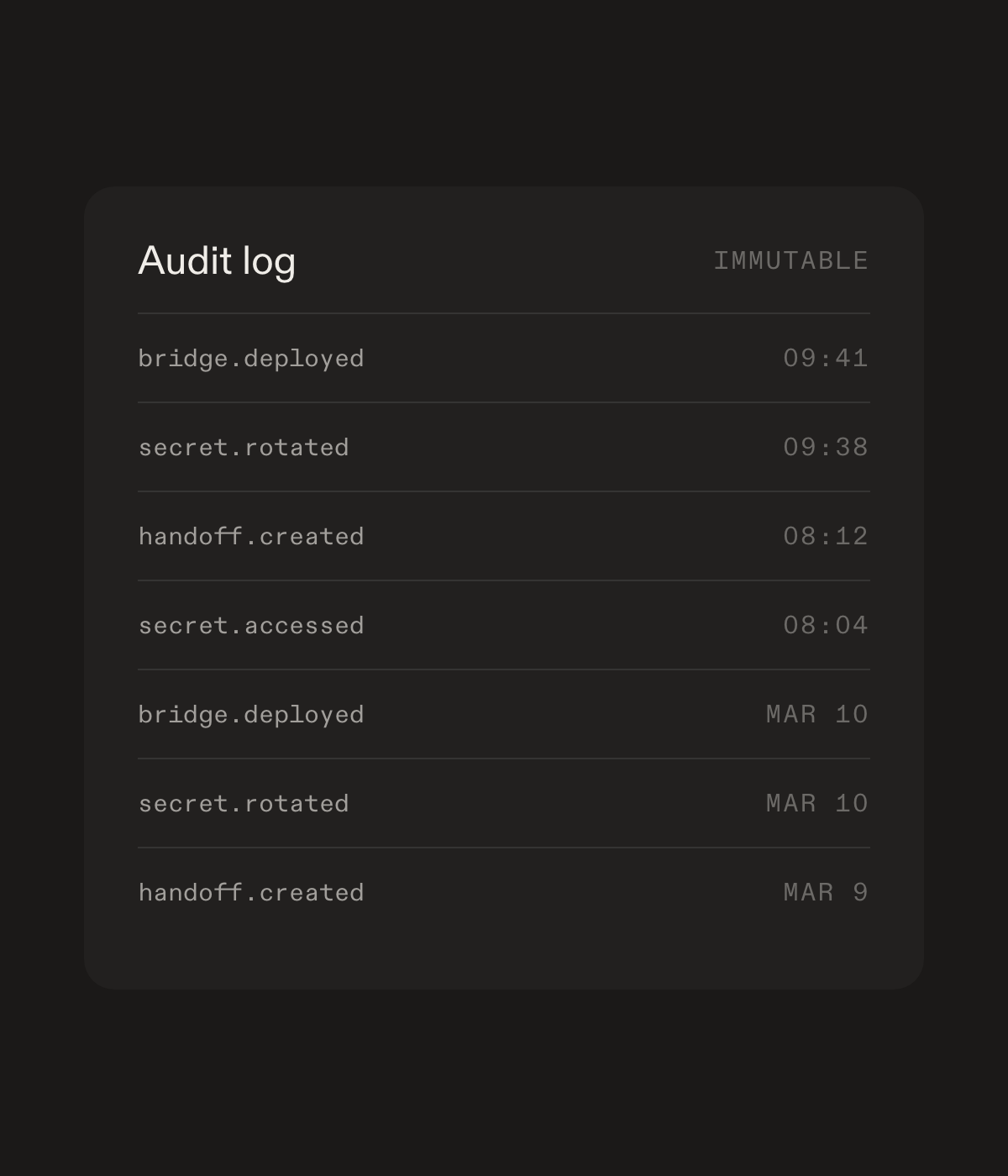
An immutable audit log listing deploys, secret rotations and handoffs with timestamps

The bridge editor

Write, review, deploy, and monitor, all in one view.
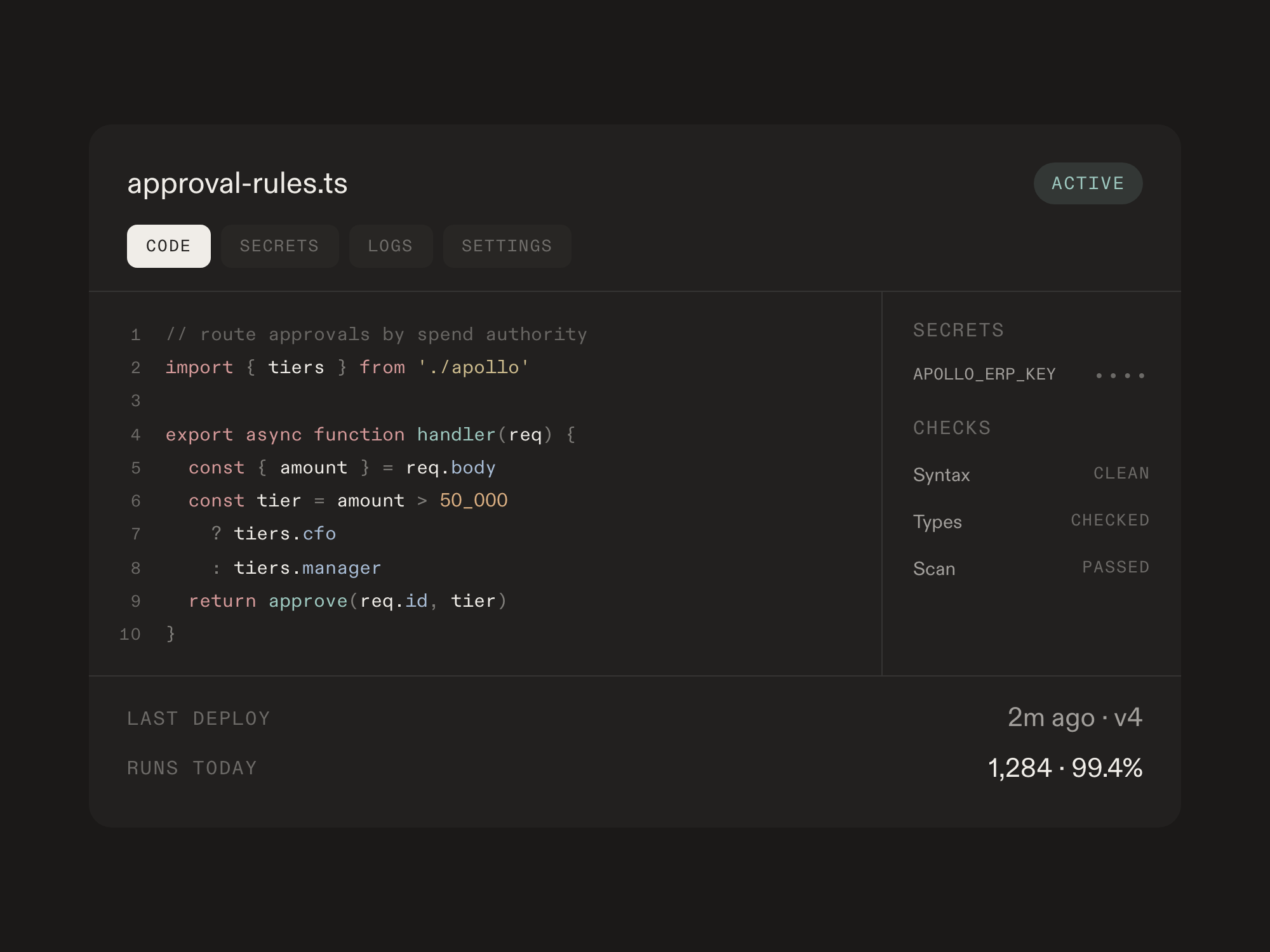
The bridge editor: numbered TypeScript for a customer approval rule, with the secret it references, syntax, type and scan checks, and its deploy and run history in the same panel
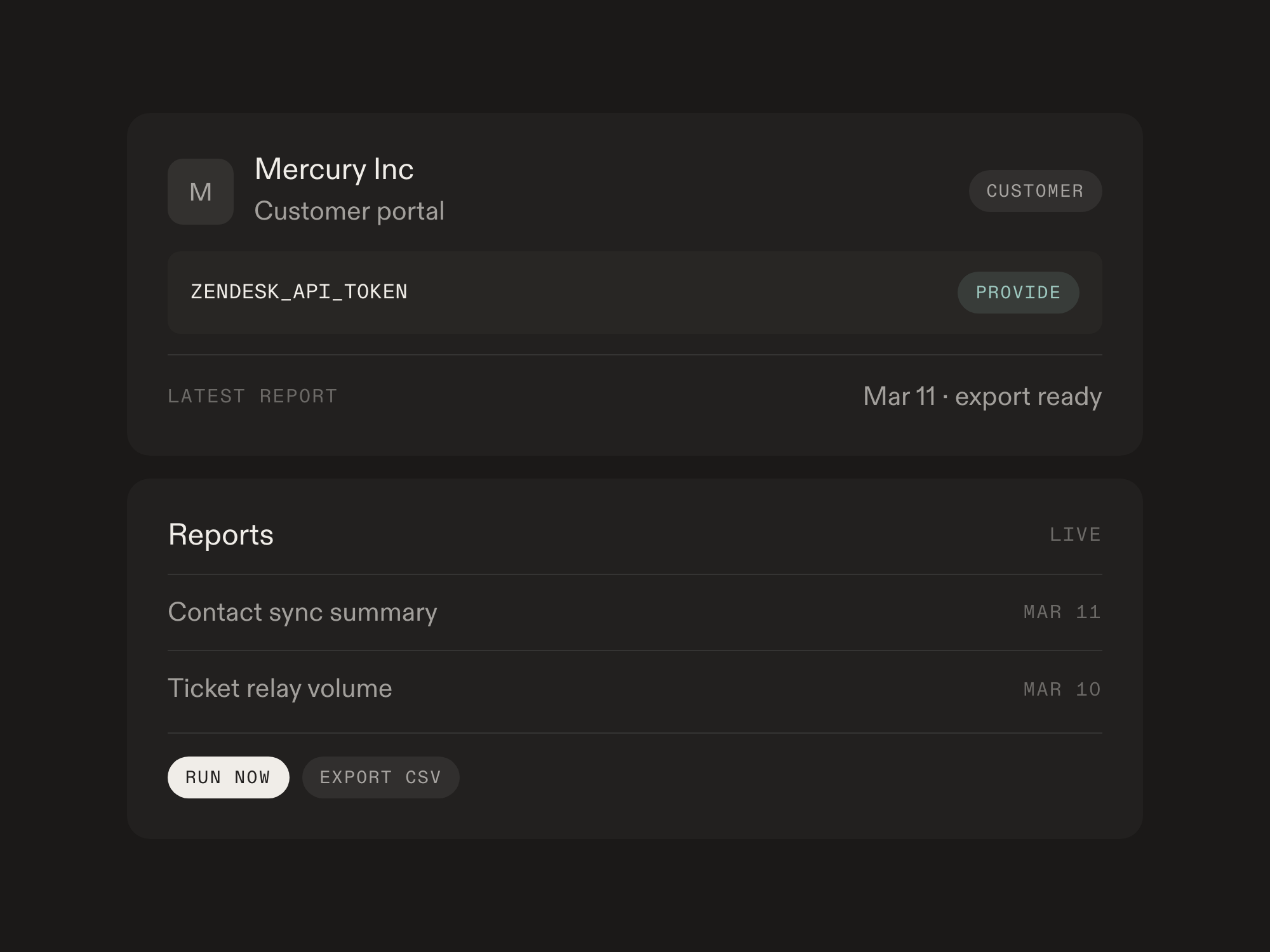
A customer portal where the customer provides their own API token, with reports they can run and export

The customer portal

Customers get their own dashboard to manage credentials, view live reports, trigger actions, and export data.

Zero-trust secrets

FDEs never see credentials. Customers manage their own keys through the portal. You reference them by name, never see the values. AES-256-GCM encrypted at rest.
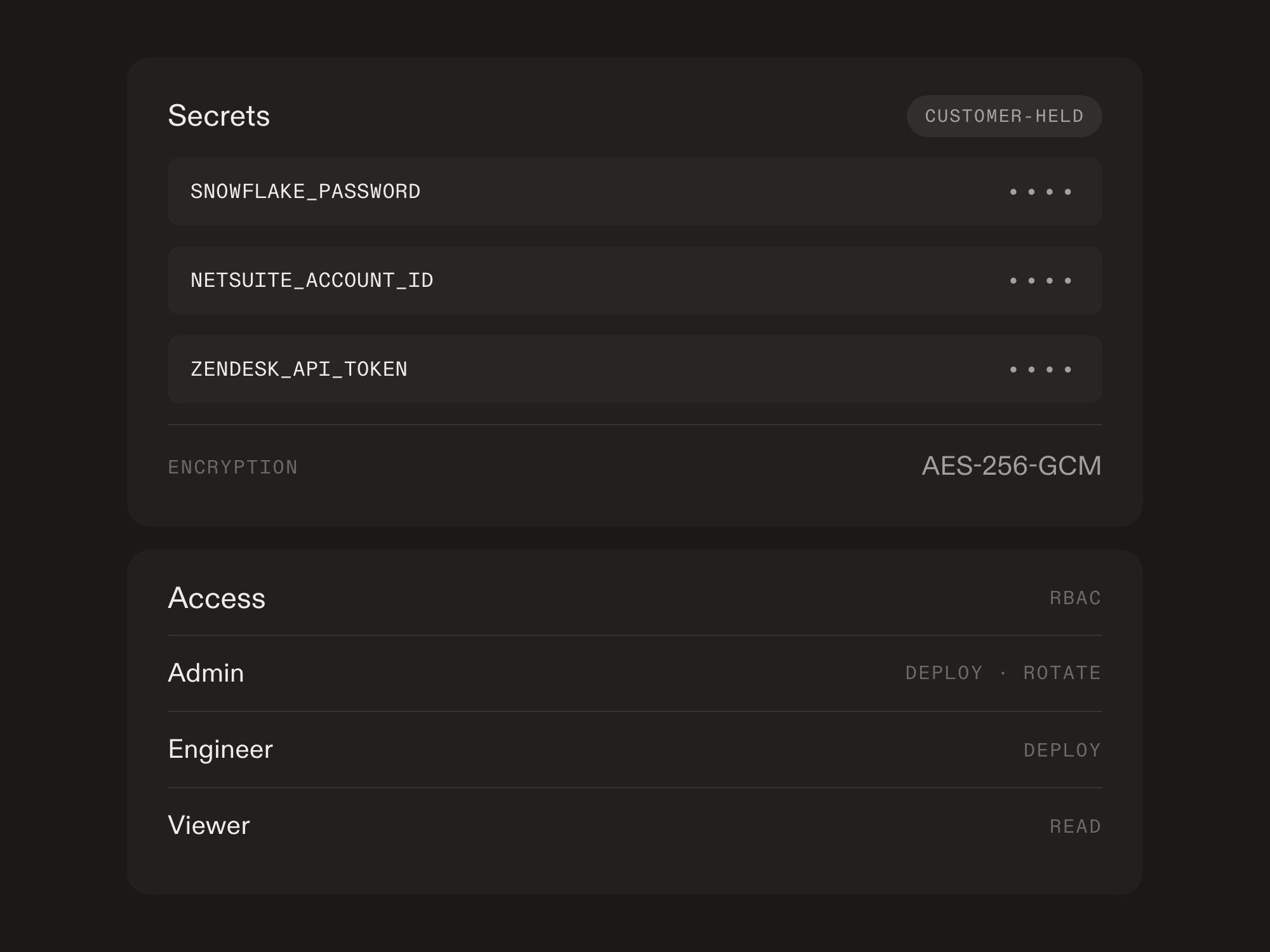
Three secret names with their values masked, above the roles allowed to read, deploy and rotate them

Everything FDE teams need to ship and manage

hyper-personalized software

AI-powered code generation

Describe what you need in plain English. Archway generates production-ready TypeScript.
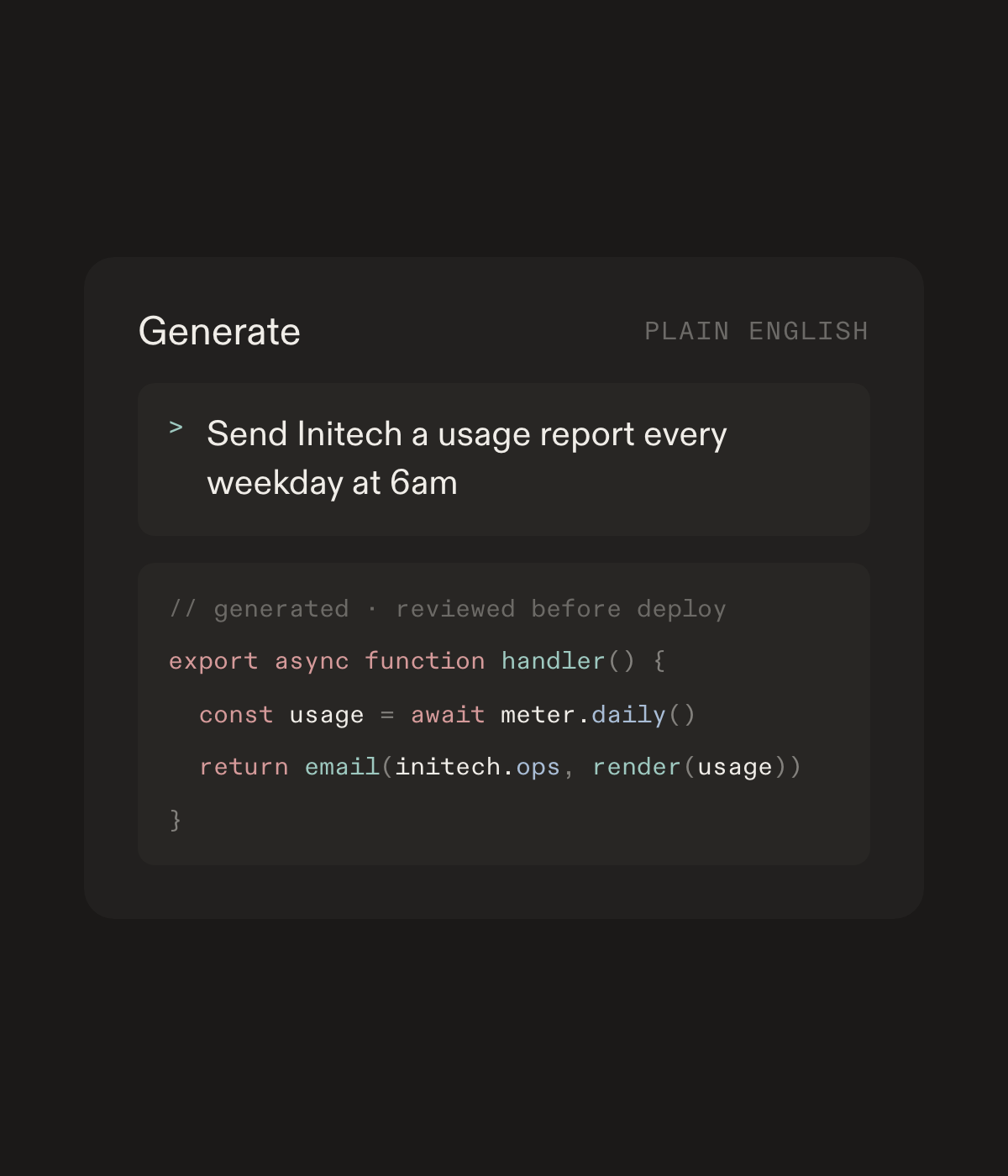
A plain English request for a weekday usage report, and the reviewed TypeScript handler generated from it

Built-in editor

Write bridges with syntax highlighting, autocomplete, and instant validation.
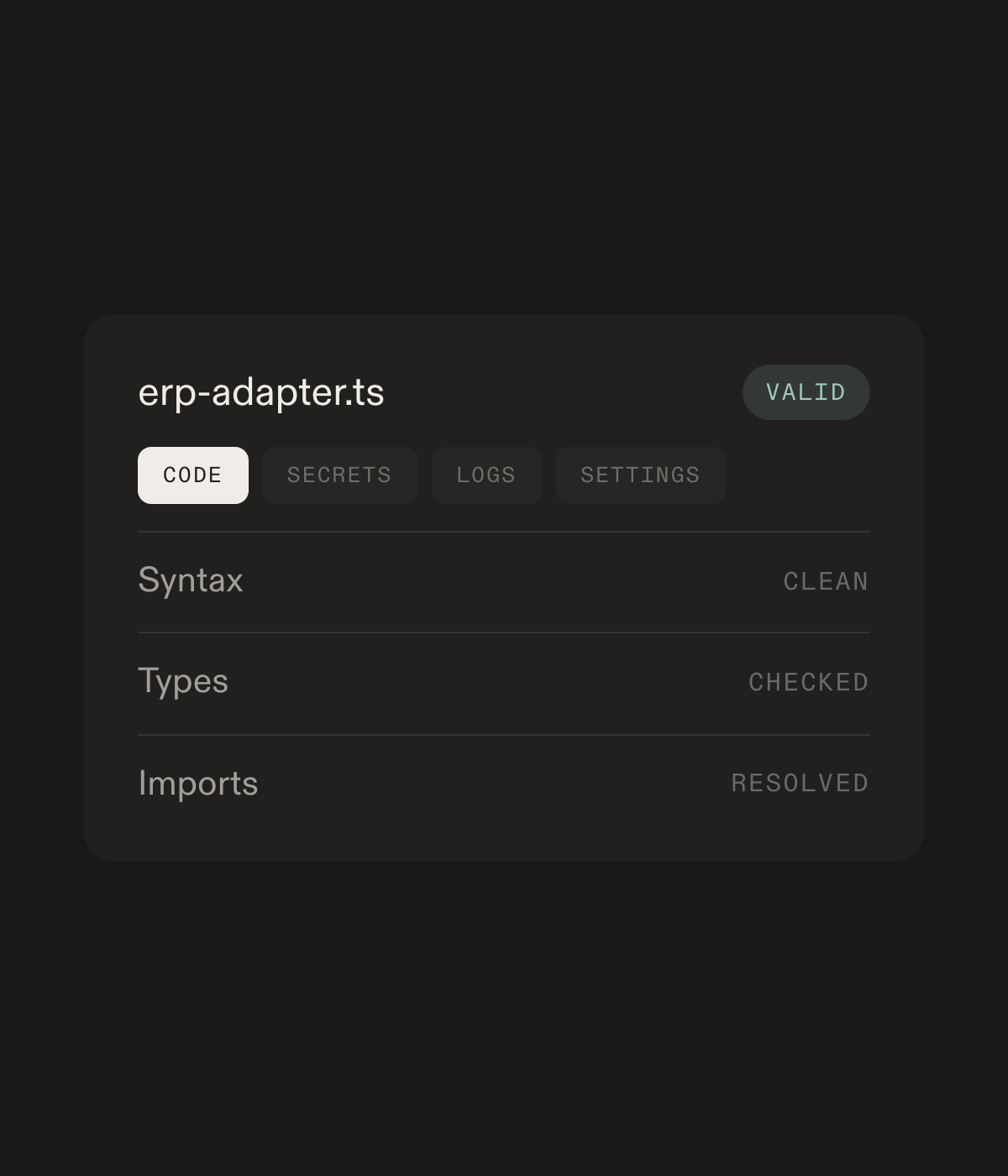
The editor's code, secrets, logs and settings tabs for an ERP adapter, with syntax, types and imports all validating clean

Real-time monitoring

Every execution is logged with status, duration, and response. Debug failures with full traces.
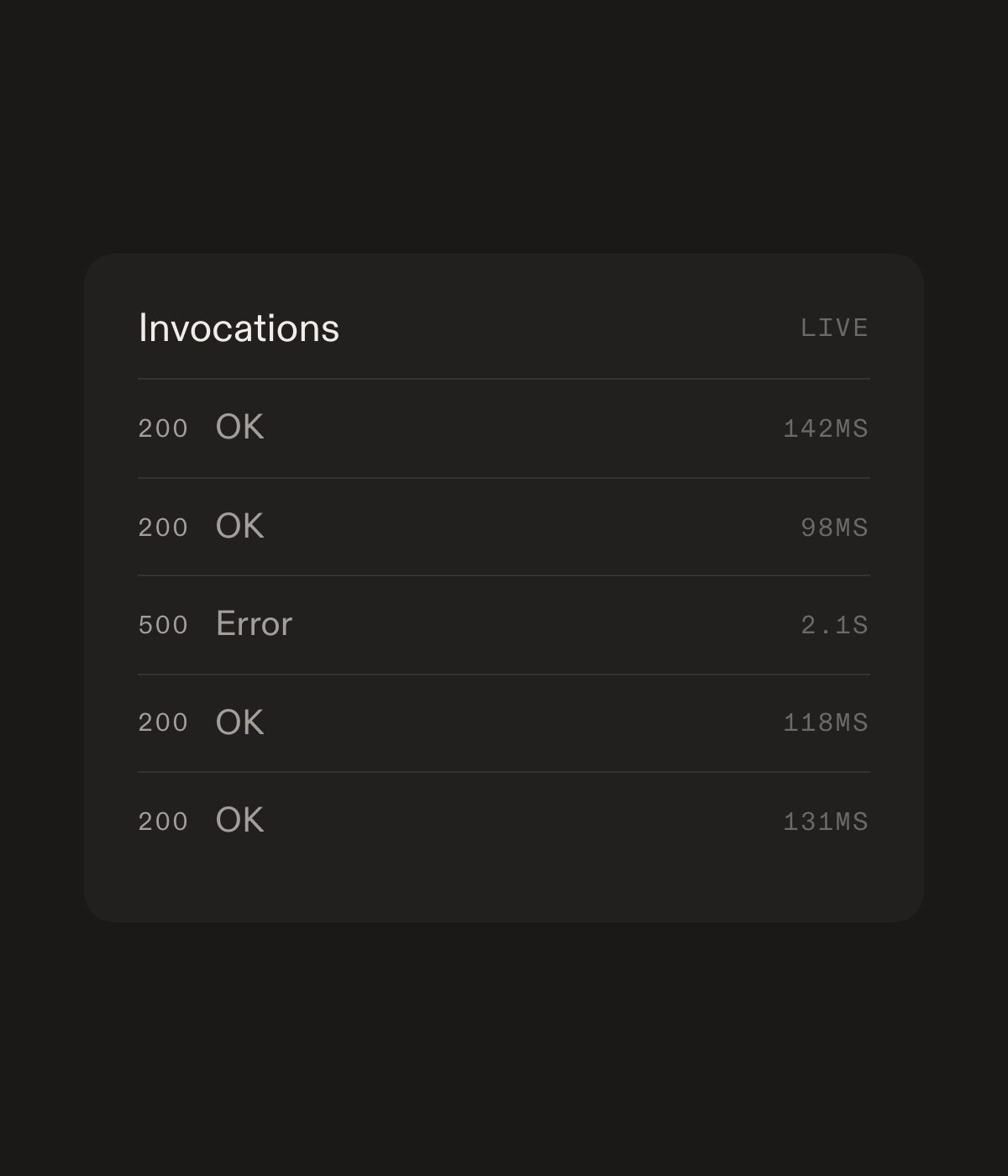
A live invocation log with status codes and durations, including one failed run surfaced for debugging

Automated security scans

Every bridge is scanned for hardcoded secrets, unsafe endpoints, and vulnerabilities.
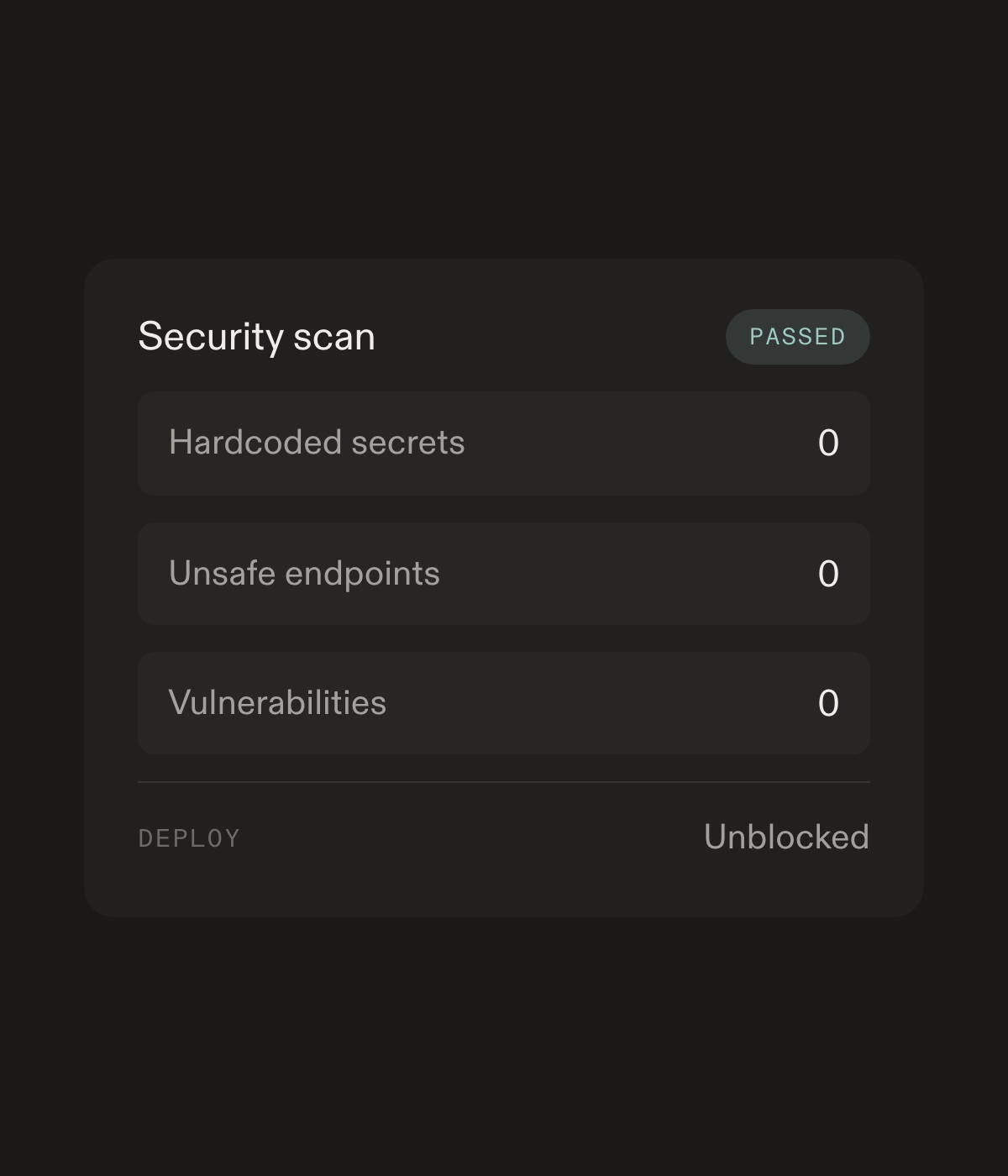
A passed security scan reporting zero hardcoded secrets, zero unsafe endpoints and zero vulnerabilities

Frequently asked questions

What is a bridge?

A versioned script that connects your product to a customer system. Archway hosts it, versions it, and logs every run.

Who sees customer credentials?

Nobody on your team. Customers put keys in an encrypted vault. Scripts reference them by name at runtime.

What happens when an engineer leaves?

You reassign the bridge to a teammate. Versions, secrets, and logs stay with the org.